
John is our host for the challenge Before and After. His challenge is to “feature three or four images in your gallery that you tweaked for whatever reason as well as the original image straight out of the camera.” I almost always crop my images and sometimes do other minor editing. I experimented with a few different edits for this challenge. All of my editing is done using Adobe Photoshop Elements.
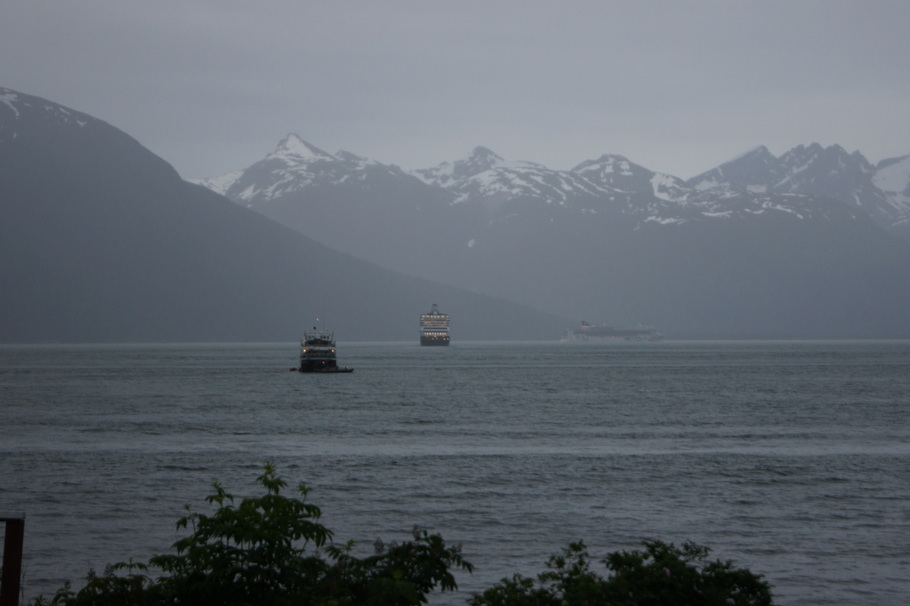
My header image is the final edited version of a favorite image from our 2013 RV trip to Alaska. We camped in a waterfront campground in Haines, Alaska for about a week. The following image is the original photo I took one rainy night from our campsite.
To achieve the after image in the header I first cropped the photo to focus on the three ships with the mountains in the background. I then adjusted the blue hue/saturation levels. I finished it off by adjusting the levels of black and white.
The following image is the original closeup of lemon blossoms.

I started out by cropping the photo to a square so the blossoms would be the focus of the image. Next, I added a white vignette effect to soften the floral image. The final image after all edits is shown below.

The next two images are of Dogwood blossoms. The first image is the original.
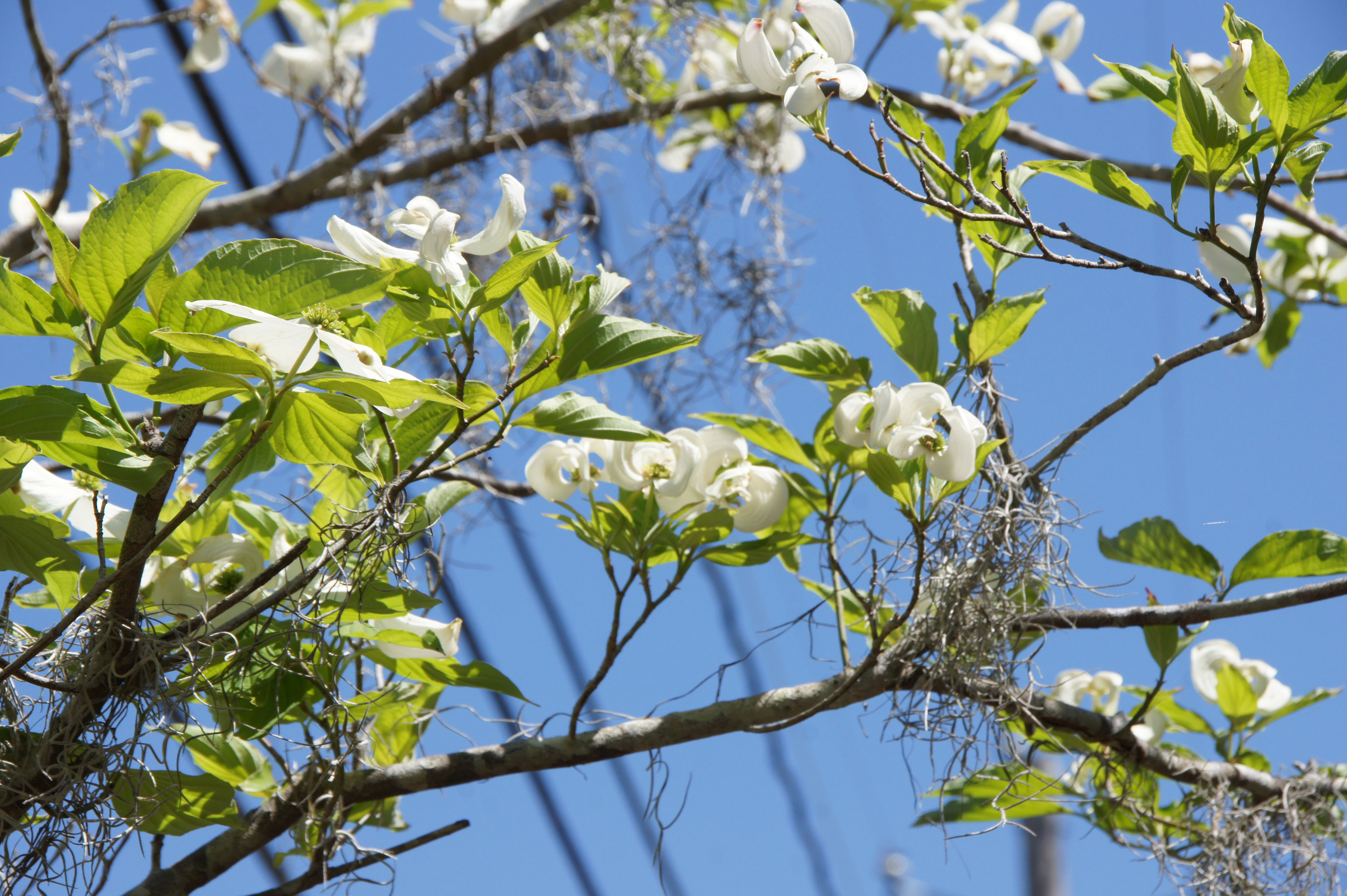
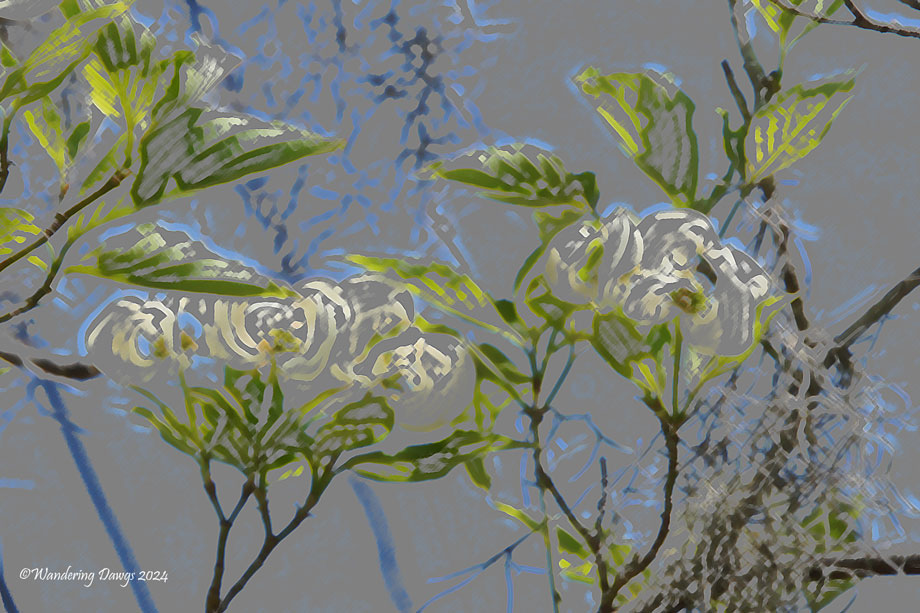
I began by cropping to select the blossoms in the center of the photo. I wanted to create an artistic image so I added the Colored Pencil filter and tweaked the settings to get the look I wanted in the following finished edit.
Many thanks to our host John for the challenge Lens-Artists #294 – Before and After
 Wandering Dawgs